Choose a place
Search for a destination or click directly on the map.
 Mirage
Free iPhone GPS location changer for Mac
Change your iPhone's GPS location from your Mac. No jailbreak. No account.
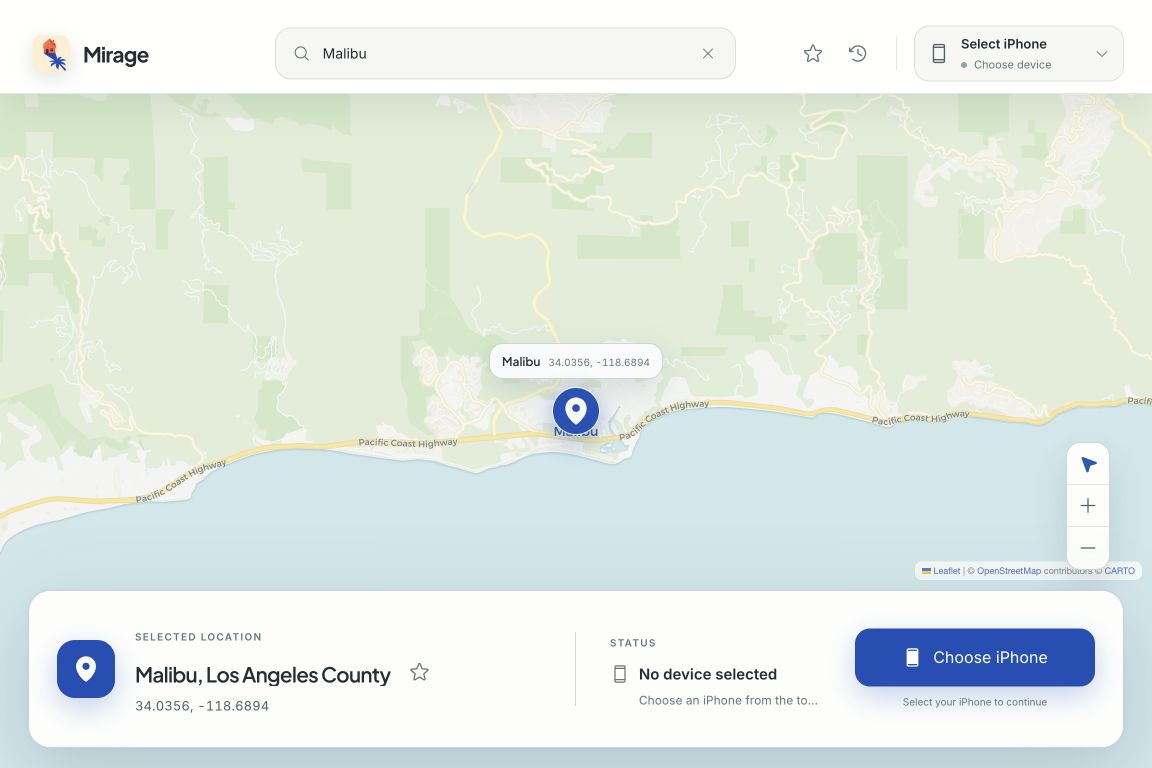
Search for a destination or click directly on the map.
Plug in over USB and select your device in Mirage.
Your iPhone starts using the location you selected.
The map is the control
Search for any place, select it on the map, and send that location to your connected iPhone. Saved places keep the locations you use most close at hand.
See the full flow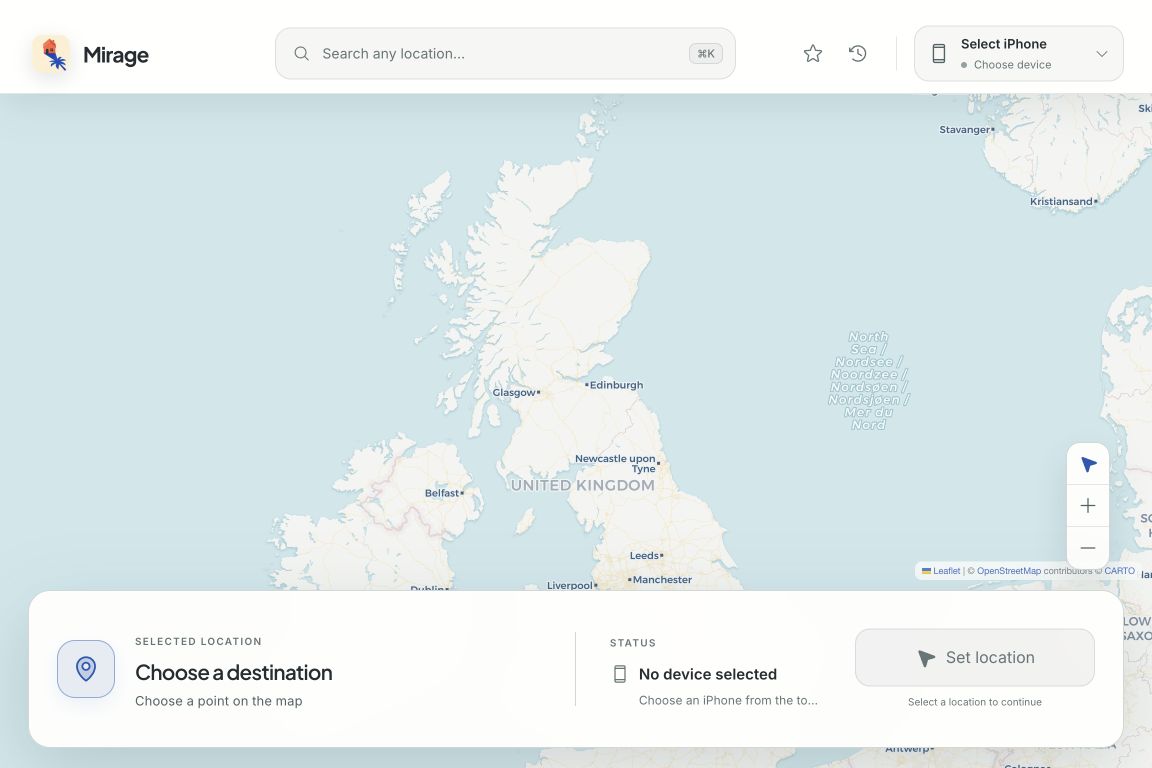
Search
Click
Return
Ready when your iPhone is
Mirage supports the legacy iPhone connection flow and the userspace tunnel used by iOS 17 and later, all inside a focused Mac app.
Open by design
Mirage is released under GPL v3. Read the code, build it yourself, or download the latest signed release.
Before you connect
The practical requirements and limits of using Mirage as an iPhone GPS location changer for Mac.
Mirage changes the GPS location reported by a connected iPhone. Choose a place on the Mac app's map, connect your iPhone, and start the location simulation.
No. Mirage does not jailbreak or modify your iPhone. The iPhone must be unlocked, trusted by the Mac, connected over USB, and have Developer Mode enabled.
The downloadable Mirage app requires an Apple silicon Mac running macOS 12 or later. It supports the legacy iPhone connection flow and the userspace tunnel used by iOS 17 and later.
Choose Stop in Mirage. The app clears the simulated GPS location and your iPhone returns to reporting its real location.
No. Mirage is free to use, requires no account, and its source code is available under the GPL v3 license.
Mirage for macOS
Download Mirage and choose the answer on the map.
Download for MacFree · macOS 12+ · Apple silicon